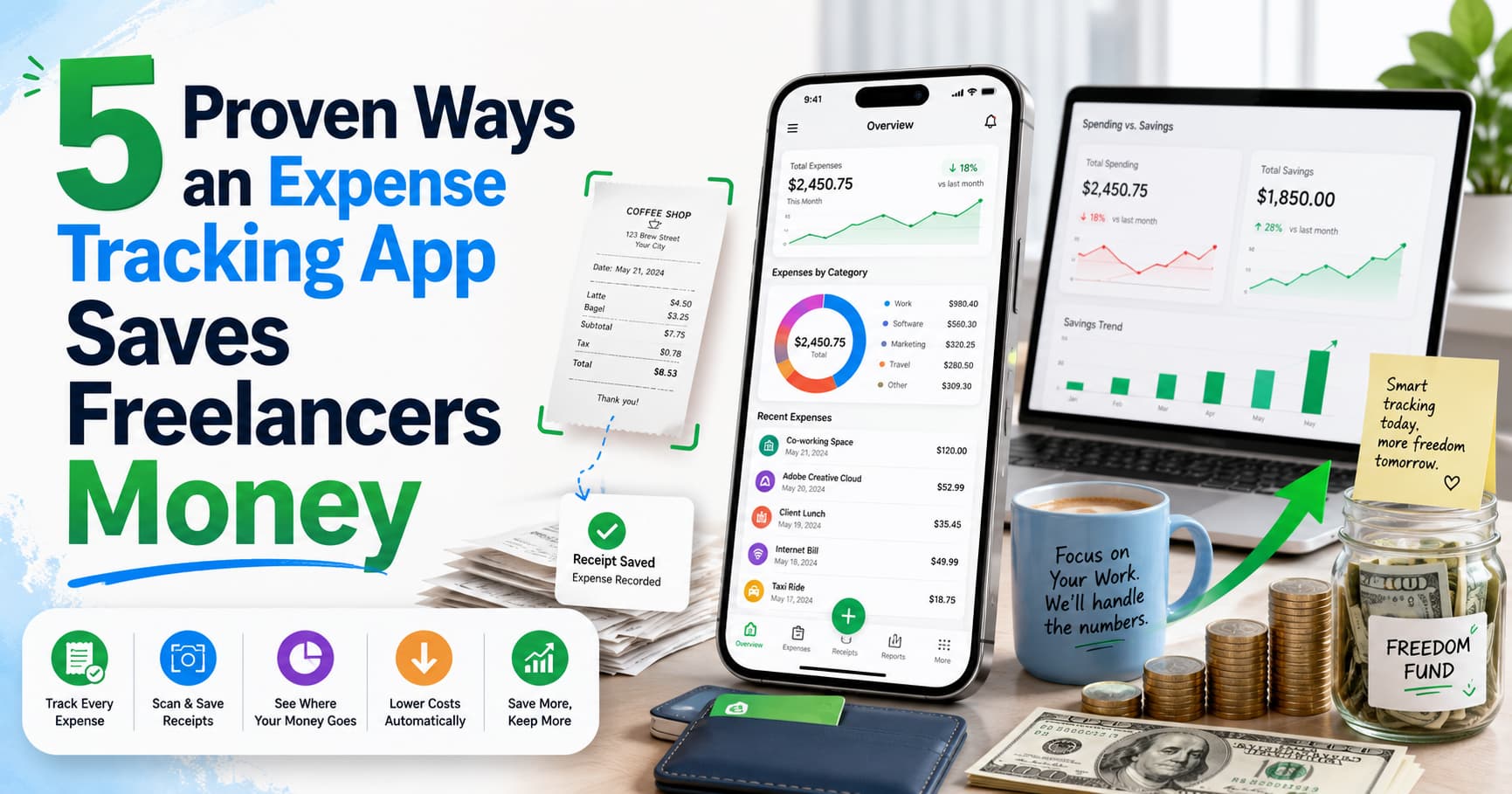
If you’ve ever opened a shoebox — or a phone folder — full of crumpled receipts at tax time, you already know the problem. Manually tracking spending feels small in the moment (“I’ll log this later”), but it adds up into hours of stressful cleanup and missed deductions.
A good expense tracking app removes almost all of that friction. Below are five concrete ways the right one pays for itself, plus a look at one tool worth trying: iSaveBill.
What an Expense Tracking App Actually Does
At its core, an expense tracking app replaces manual data entry with automation. Instead of typing out every purchase by hand, you snap a photo of a receipt, forward a confirmation email, or upload a bank statement — and AI reads the merchant, date, amount, tax, and category for you.
iSaveBill is one example built specifically for freelancers, consultants, and small business owners. It’s worth understanding what a tool like this covers before deciding whether you need one.
1. It Catches Deductions You’d Otherwise Miss
Every receipt you forget to log is a deduction you can’t claim. This is the single most expensive side effect of manual tracking.
A good expense tracking app logs the purchase the moment it happens, so nothing gets lost between the store and tax season. According to the IRS recordkeeping guidelines, self-employed taxpayers are required to keep documentation supporting every deduction — which is much easier when it’s captured automatically instead of reconstructed from memory in April.
2. It Builds an Audit-Ready Paper Trail
Organized, timestamped, categorized records are exactly what you want if a tax authority ever asks questions. A shoebox of faded receipts is not.
Short paragraphs matter here too — both for your own sanity when reviewing records, and because a clean, categorized digital trail is simply easier to defend than a pile of paper.
3. It Handles Receipts You Don’t Even Think to Save
Many expenses today don’t come with a physical receipt at all — parking apps, subscription renewals, online orders. This is where an expense tracking app with email forwarding becomes useful: you forward the confirmation email to a dedicated address, and it extracts the transaction details automatically, the same way it would from a photo.
Other features worth looking for:
- Bank statement import — upload a statement and let AI pull out individual transactions instead of entering them one by one
- Multi-currency support — useful for anyone working with international clients or traveling for business
- Group expense splitting — for shared costs like a business trip or joint project expense
- Cloud backup — receipts back up automatically to Google Drive or Dropbox
4. It Turns Spending Into Actual Insight
Beyond just storing receipts, a well-built expense tracking app breaks spending down by category, time period, and trend — turning a pile of receipts into an actual picture of where your money goes. That visibility is what lets you spot a subscription you forgot to cancel, or a category quietly eating your margins.
5. It Gives Back Your Time
Time spent on manual bookkeeping is time not spent on your business. Automating the boring part of expense tracking frees up hours that are worth more spent elsewhere — with clients, on projects, or just off the clock.
Who Benefits Most From an Expense Tracking App
This kind of tool is most valuable for:
- Freelancers and consultants juggling multiple clients and expense categories
- Small business owners without a dedicated bookkeeper
- Anyone who splits expenses with a partner, roommate, or business co-owner
- People who travel for work and deal with multiple currencies
Getting Started
iSaveBill is available as a web app, an installable PWA, and as native apps on the App Store and Google Play. There’s a free tier to start, with paid plans unlocking invoice generation, advanced reporting, and integrations with tools like Zapier, Make, and n8n.
If disorganized receipts and last-minute tax scrambles sound familiar, it’s worth checking whether an expense tracking app like this fits into how you manage your finances.